
Product examples and reviewer guide
Picture-in-Picture for any Mac window.
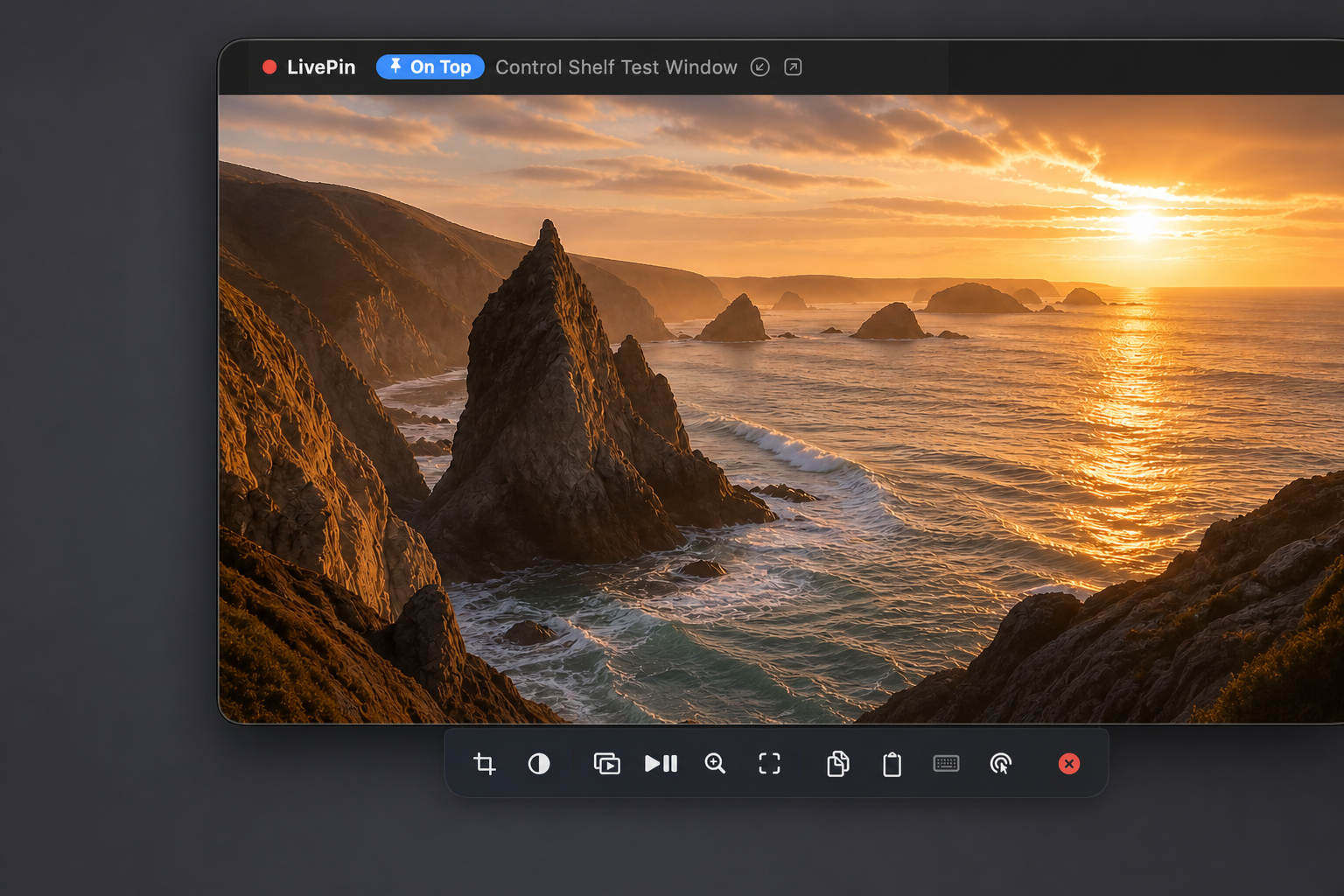
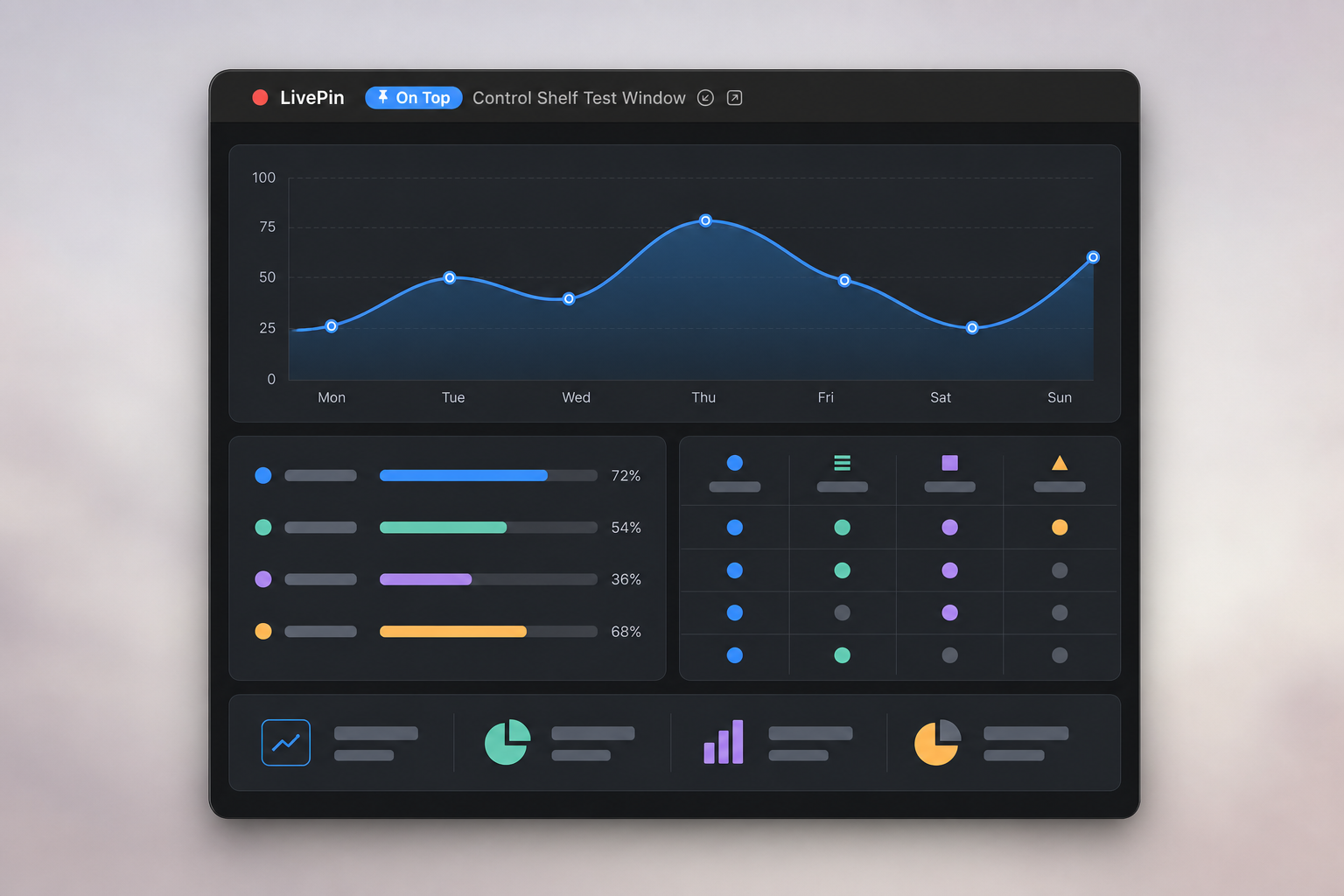
LivePin is a native Apple-silicon macOS menu-bar utility. It turns a window the user explicitly chooses into a live, local, always-on-top floating view.
What is being sold
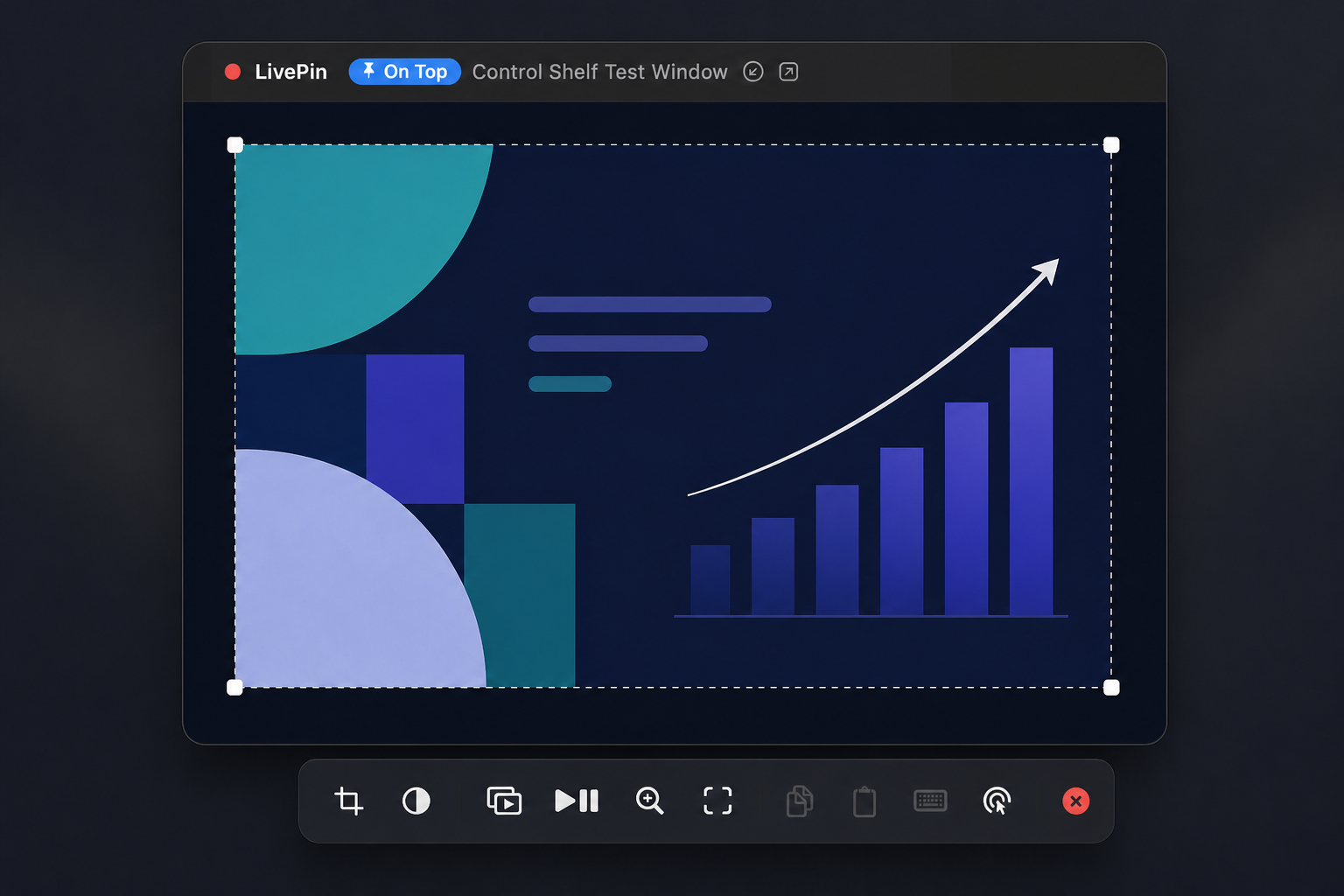
Window pinning, live crop, resize, opacity, snapping, layouts and up to four pins.
Adds source control, website/video/file pins, presentation camera, Media Mode and source parking. One licence covers up to three personal Macs.
LivePin Pro
More sources. More control.
Pro keeps LivePin’s lightweight window experience and adds interaction, media and presentation tools.
Control the source
Click, type, copy and paste into the original application from its floating pin.
Pin more than windows
Keep websites, direct video links, PDFs, documents and local files on top.
Media Mode
Find the useful video area, crop away the page and keep playback controls close by.
Presentation camera
Add a resizable round or rounded camera with background and shape controls.
Park the source
Move the original source out of the way while its LivePin remains visible and live.
Three personal Macs
Use one perpetual licence on up to three Macs, with no subscription.
Compare editions
Free or Pro?
| Feature | Free | Pro |
|---|---|---|
| Pin any Mac window | ✓ | ✓ |
| Up to four simultaneous pins | ✓ | ✓ |
| Live crop, resize and opacity | ✓ | ✓ |
| Click Through and edge snapping | ✓ | ✓ |
| Saved pin layouts | ✓ | ✓ |
| Control the original source | — | ✓ |
| Keyboard, copy and paste control | — | ✓ |
| Pin websites and direct videos | — | ✓ |
| Pin PDFs, documents and files | — | ✓ |
| Presentation camera | — | ✓ |
| Media Mode and automatic video crop | — | ✓ |
| Source parking | — | ✓ |
| Price | Free | £4.99 once |
How to test
- 1
Download the signed and notarized Apple-silicon DMG and drag LivePin into Applications.
- 2
Open LivePin and follow its friendly macOS Screen Access guide.
- 3
Press ⌥⇧P and use Apple’s system picker to choose one window.
- 4
Resize the floating pin, enter Crop, adjust opacity, and close the pin.
- 5
In Pro, activate with the purchase email and licence key delivered by Lemon Squeezy.
Privacy and delivery
Captured frames are displayed locally and are never recorded, saved, analysed or transmitted. LivePin has no analytics or user account. Pro activation sends only the licence key, purchase email, random installation identifier and validation request to Lemon Squeezy. The DMGs are Apple Developer ID signed and notarized.
Review questions: tim@rycroft.co