Choose
Press ⌥⇧P and pick a window with Apple’s system picker.
 LivePinGet LivePin
Keep the window you need floating above everything else. Live, lightweight and entirely on your Mac.
macOS 15+ · Apple silicon · No subscription
Press ⌥⇧P and pick a window with Apple’s system picker.
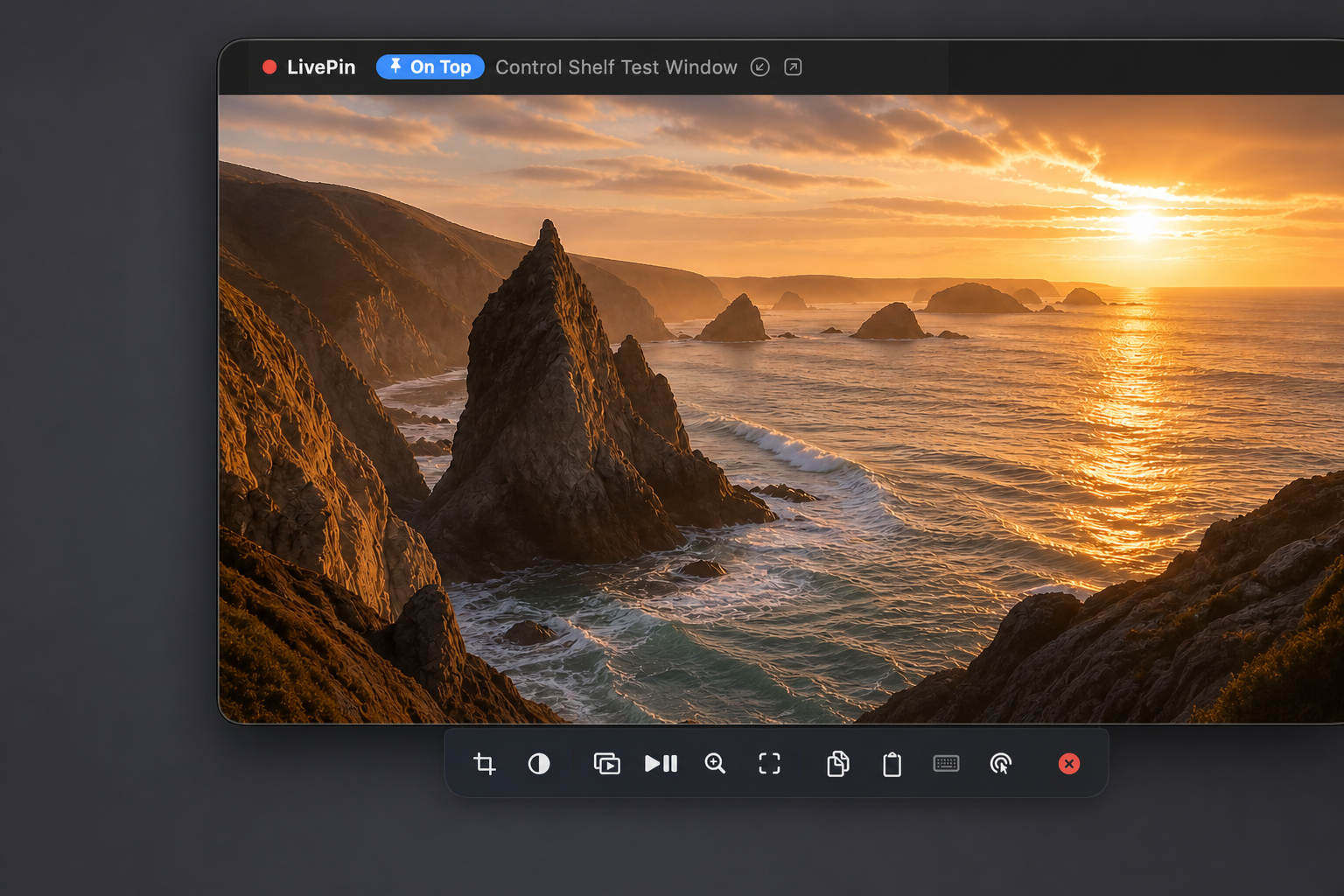
LivePin turns it into a lightweight floating Picture-in-Picture.
Crop, resize and place it anywhere while you use another app.
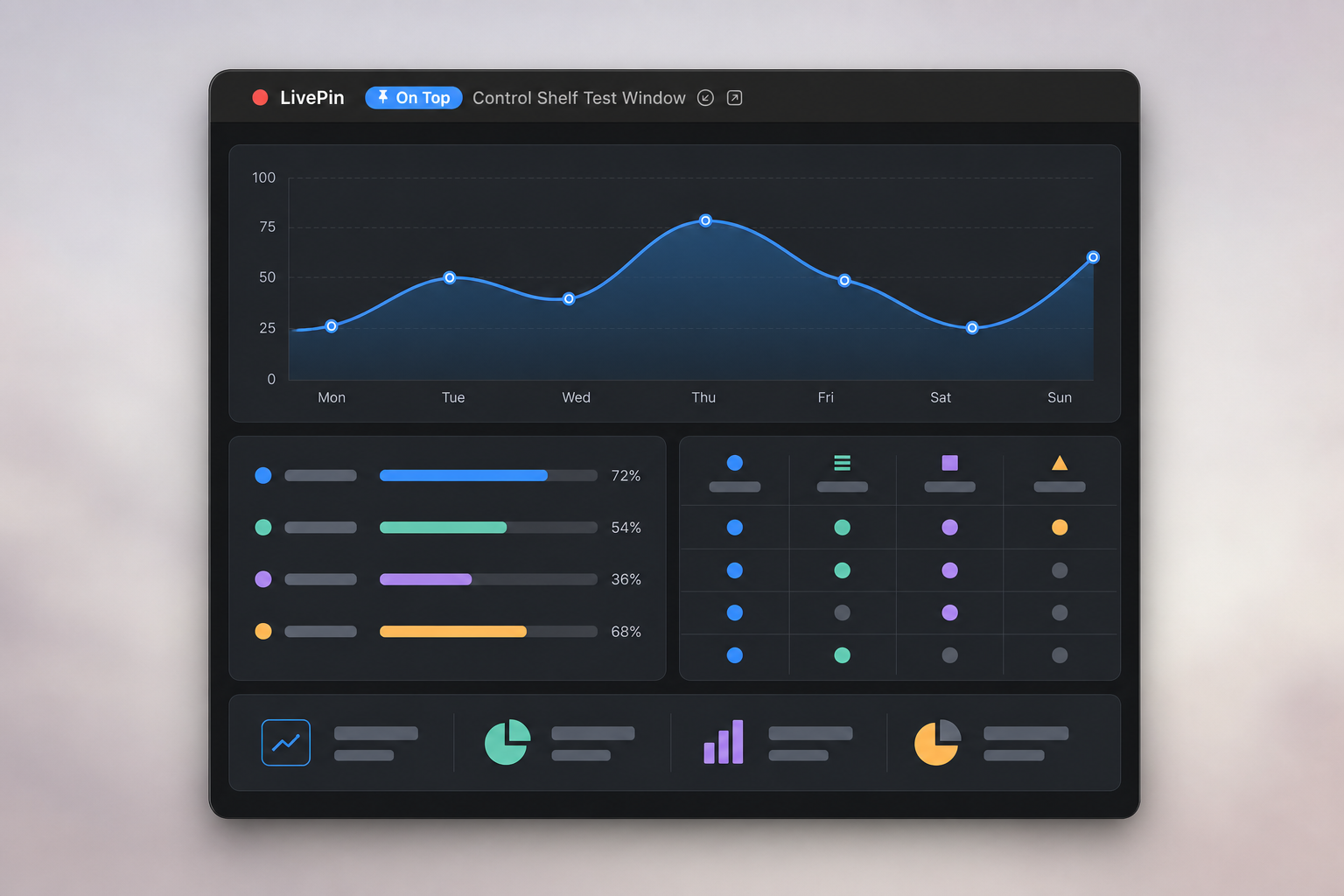
Watch a video while you write. Follow a build while you browse. Keep a call, graph or camera in view without rearranging your whole desktop.
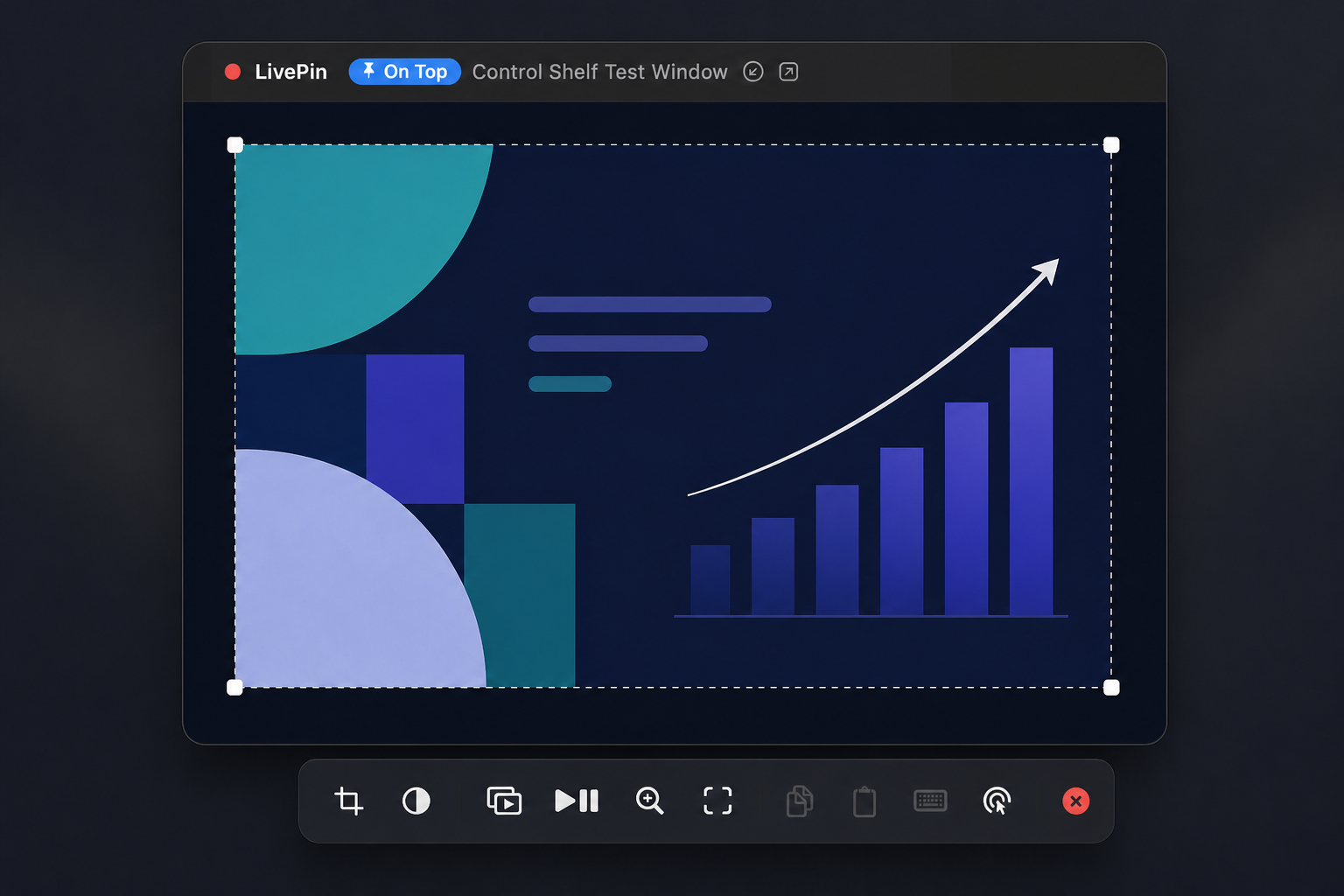
Show only the part of a window that matters.
Resize, snap and fade every pin independently.
Run several lightweight pins side by side.
Pin from any app with Option–Shift–P.
Pin a video, watch a dashboard or focus on one useful part of a busy app. Controls appear when you need them and disappear when you do not.
LivePin Free is the complete floating-window experience. Choose Pro when you want to control the source, pin more than windows, or put yourself on screen for a presentation.
Click, type, copy and paste through a pin while your main work stays in front.
Open a website, video, PDF or file directly as its own lightweight pin.
Add a clean round or rounded camera, change its backdrop and place it anywhere.

Start with Free for live floating windows. Upgrade once when you need interaction, extra sources and presenter tools.
| Feature | Free | Pro |
|---|---|---|
| Pin any Mac window | ✓ | ✓ |
| Up to four simultaneous pins | ✓ | ✓ |
| Live crop, resize and opacity | ✓ | ✓ |
| Click Through and edge snapping | ✓ | ✓ |
| Saved pin layouts | ✓ | ✓ |
| Control the original source | — | ✓ |
| Keyboard, copy and paste control | — | ✓ |
| Pin websites and direct videos | — | ✓ |
| Pin PDFs, documents and files | — | ✓ |
| Presentation camera | — | ✓ |
| Media Mode and automatic video crop | — | ✓ |
| Source parking | — | ✓ |
| Price | Free | £4.99 once |
One honest price. No account for Free, and no subscription for Pro.
A beautifully focused floating window for everyday use.
Interactive pins, extra sources and presenter tools.
LivePin displays the window you choose. It does not record your screen, save captured frames, analyse window contents or send them anywhere.